
A multi-model agent is an agent system that uses more than one model, and often more than one agent harness, to finish a task: a strong model plans, a cheaper model handles routine steps, and each step runs where it fits best. The design pays off when you can swap models and harnesses behind one interface and measure the result per task. That is what HarnessRouter provides: one API across supported harnesses, with each task routed for quality, latency or cost and run in an isolated sandbox.
This guide explains the terms, the patterns that work, the cost mechanics and a build sequence for teams shipping agent-powered products.
TL;DR
- "Multi-model" means different models serve different steps of one agent task. "Multi-agent" means several cooperating agents. The two combine often but are separate design choices.
- The main economic lever is routing: send each step to the cheapest model that passes your quality bar, and measure that bar on your own workload.
- Multi-agent runs can consume far more tokens than single chats, so per-step model choice matters more as you add agents.
- Treat models, harnesses, tools, memory and sandboxes as interchangeable modules behind one API to avoid vendor lock-in.
- HarnessRouter's Free plan costs $0 per month, so you can run a first multi-model workflow before committing to a paid tier.
What multi-model agents actually are
Search results for this topic mix three ideas that deserve separate names.
A model is the language model that generates text or tool calls. An agent is a model wrapped in a loop with tools, memory and a goal: it plans, acts, observes the result and repeats. The wrapper code that runs that loop is the agent harness; Codex, Claude Code and similar coding agents are harnesses, and each can be configured with its supported compatible models.
From these follow the variants:
| Term | What varies | Example |
|---|---|---|
| Single-model agent | One model, one loop | A support agent that always calls the same model |
| Multi-model agent | Different models per step or per task | A planner on a frontier model, a summarizer on a small one |
| Multi-agent system | Several agents with defined roles | An orchestrator delegating to search, code and review agents |
| Multi-harness system | Different harnesses per task type | One harness for repository edits, another for web research |
Academic work calls a system whose agents run on different underlying models heterogeneous, and describes a multi-agent system as agents that interact to complete tasks that are hard for one agent alone. Production teams usually end up heterogeneous whether they plan to or not, because models differ in price, latency, context length and skill, and no single one is the best at every step.
Why one model per agent stops working
Three pressures push teams toward multiple models.
Cost. Published engineering data from a large model lab reports that agents use about 4× more tokens than chat, and multi-agent systems about 15× more. Tokens are the units models bill by, so a pipeline that sends every sub-task to the most expensive model multiplies the bill with every added agent.
Quality variance by task. A model that excels at code edits may be mediocre at extraction or at long-document summarization. Matching the model to the task is a measurable decision; our guide to AI model selection lays out the method.
Availability and lock-in. If your agent logic, tools and memory are written against one provider's SDK, a price change, rate limit or deprecation becomes a rewrite. A unified interface keeps the swap to a configuration change.
Four patterns that work in production
1. Router in front of one agent
A lightweight classifier inspects each request and picks a model. Research on this pattern, RouteLLM, trains routers to choose between a strong and a weak model per query and reports significant cost savings while keeping response quality high. The pattern is the simplest entry point because the agent loop stays unchanged. For the mechanics, see what an LLM router is.
2. Orchestrator and workers
A lead agent decomposes the task and delegates sub-tasks to specialized workers, often in parallel. The orchestrator benefits from a strong reasoning model; the workers, which do narrow and repetitive jobs, usually do not. This is the pattern behind most multi-agent research and coding systems, and it is where per-role model assignment saves the most.
3. Generator and verifier
One model produces an answer and a different model checks it. Using a different model family for verification reduces the chance that both share the same blind spot. The verifier can be cheaper than the generator when the check is narrow, such as schema validation or test interpretation.
4. Fallback chain
A request goes to a primary model and falls to a second on timeout, rate limit or low-confidence output. This is a reliability pattern more than a cost pattern, and it depends on a uniform interface so the second model receives the same tools and context.
For how these fit with memory, tools and orchestration layers, read AI agent architecture and the seven-layer AI agent stack.
The cost mechanics
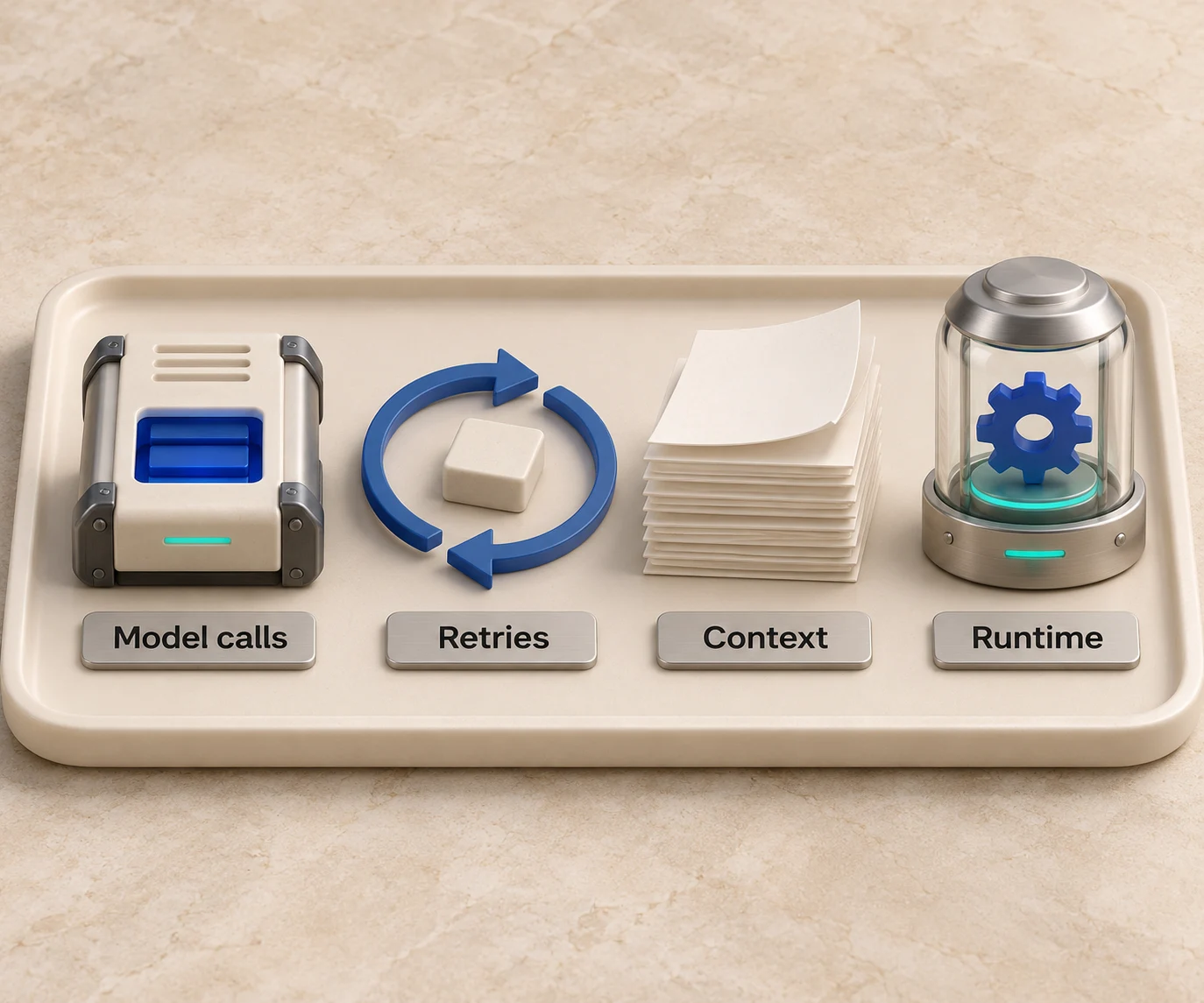
Cost in a multi-model agent comes from four places, and each is controllable.
- Model tokens per step. Input and output tokens, priced per model. Routing a step to a cheaper model cuts this directly.
- Number of steps. Loops that retry or over-plan inflate token use. Cap iterations and log them.
- Context growth. Passing the full conversation to every sub-agent repeats tokens. Passing a reference to stored output instead of copying it reduces overhead, a point the same engineering write-up makes about external storage for intermediate results.
- Runtime and infrastructure. Sandboxes, memory and tracing carry their own charges, separate from model tokens.
A worked example. Suppose a pipeline has one planning call, eight extraction calls and one final synthesis. If all ten calls use a frontier model, you pay frontier rates ten times. If planning and synthesis stay on the frontier model and the eight extraction calls move to a smaller model that passes your accuracy check, 80% of calls run at the lower rate. The saving depends on the price gap between the two models and on how many extraction calls pass the check, which is why you benchmark before committing. Our LLM cost optimization guide walks through the levers in more detail.
HarnessRouter states that it cuts AI agent costs by over 90%. Your own figure will depend on your task mix, so treat that as a claim to validate, with your workload as the test.
How to build a multi-model agent, step by step
Step 1: Define the tasks and the pass criteria
List the distinct step types in your workflow (plan, retrieve, extract, edit, verify, summarize). For each, write a pass criterion you can score automatically: exact match, test suite result, schema validity, or a rubric graded by a judge model. Without a score, routing is guesswork.
Step 2: Benchmark candidates on your own data
Public leaderboards measure public tasks. Run candidate models and harnesses on a sample of your real inputs and record quality, latency and cost per task. AI model benchmarking describes how to set this up. HarnessRouter includes benchmarking tools in the platform, so the comparison runs through the same API you will use in production.
Step 3: Put a unified interface between your code and the models
Write your application against one API instead of each provider's SDK. A unified LLM API normalizes requests, streaming and errors. HarnessRouter goes one layer further: it exposes harnesses, models, providers, skills, tools, plugins, memory and sandboxes as interchangeable modules, built on the open Unified Harness Protocol (UHP). The UHP vs MCP comparison explains where the protocol sits relative to tool-calling standards.
Step 4: Assign models and harnesses per step
Use the benchmark results to map each step type to a model, and each task family to a harness. HarnessRouter lets you configure compatible harness and model choices per task using benchmark results for quality, latency or cost, instead of embedding those choices throughout your application. Browse the agent harnesses catalog to see reference pages, including Continue and QwenPaw.
Step 5: Isolate execution
Agents that run code or touch files need a boundary. Run each task in an isolated sandbox with its own file system and provisioned environment, to separate local files and processes. External API side effects still require scoped credentials, authorization and idempotency controls. HarnessRouter runs tasks in isolated sandboxes and includes environment provisioning, file handling and session management in the same API.
Step 6: Add tracing and set budgets
Log every step with its model, tokens, latency and outcome. Set a maximum number of iterations and a spend cap per task. Review traces weekly to find steps where a cheaper model would pass, and steps where retries signal a model that is too weak. The wider operating checklist is in AI agents in production.
Step 7: Keep the swap cheap
Models change monthly. If a new model beats your current choice on your benchmark, changing it should be a configuration edit and a re-run of the benchmark, not a refactor. This is the practical meaning of avoiding vendor lock-in.
Choosing a model for each role
Use this as a starting hypothesis to test, not a verdict.
| Role | What it needs | Typical choice to test first |
|---|---|---|
| Planner / orchestrator | Reasoning, long context | Strongest available model |
| Retriever / classifier | Speed, low cost | Small, fast model |
| Extractor | Reliable structured output | Mid-size model with schema enforcement |
| Code editor | Repository awareness, tool use | A coding harness with a strong code model |
| Verifier | Independence from the generator | A different model family |
| Summarizer | Fidelity, low cost | Mid-size or small model |
For coding-specific comparisons, see our ranking of the best AI coding agents.
Where multi-model systems go wrong
- Routing on price alone. A cheap model that fails the task and triggers too many retries can cost more than a strong model that passes once. Score quality first.
- Inconsistent tool schemas. Models differ in how they emit tool calls. A normalizing layer reduces format differences, but capability and tool-behavior checks are still needed when you swap.
- Shared-state bugs. Parallel agents writing to the same memory or files produce conflicts. Give each agent its own scope and merge explicitly.
- No evaluation loop. Without regression tests, a model swap that helps one step can quietly degrade another.
- Over-building. Many workflows need a router and two models, not a swarm of agents. Add agents when a step needs a different tool set or a parallel branch.
Teams that would rather have workflow automation built for them can look at done-for-you AI automation services.
Our view: the harness layer should be open and swappable
We built HarnessRouter on one observation: the model is no longer the only variable that decides whether an agent works. The harness, the tools, the memory and the sandbox matter as much, and teams that hard-wire any one of them inherit its price, limits and roadmap.
That is why we initiated the Unified Harness Protocol as an open standard and why the Community Edition is open source. When the harness layer is open and commoditized infrastructure, a team can pick the best harness and model for each task and change its mind next quarter without rewriting its product.
Multi-model design is where this pays off first. Per task, HarnessRouter runs the configured harness, model and compatible modules in an isolated sandbox. We designed it so a team can specify the outcome it wants, benchmark configurations and improve cost as routing improves.
Pricing and getting started
HarnessRouter publishes its pricing openly. The Free plan is $0 per month, Developer is $20 per month, Production is $200 per month and Scale is $1,000 per month; Enterprise has no published price. Tracing is in beta and included with Scale; see the pricing page for current add-on terms. Agent short-term memory (Beta) has a list rate of $0.0000840 per GB-hour, with plan discounts; long-term memory is billed separately per operation. Top-up credit processing carries a 5.5% fee with a $0.80 minimum. If you bring your own API keys, the BYOK routing fee is 0% for up to $25,000 in monthly model usage at list prices, with a 5% routing fee above that volume; agent work and memory remain separately billable. Current terms are on the pricing page.
A practical start: take one workflow with three or four step types, run the benchmark from Step 2 on the Free plan, and route the steps that pass on cheaper models. Teams that prefer to self-host can use the open-source Community Edition, and teams embedding agents into a product feature can read the AI agent API guide.

FAQ
What is the difference between multi-model and multi-agent?
Multi-model means a task uses different models, for example a large one to plan and a small one to extract. Multi-agent means several agents with separate roles cooperate. You can have either without the other, though larger systems usually combine them.
Do multi-model agents always cost less?
Not automatically. Savings come from routing each step to the cheapest model that passes your quality check, which you establish by benchmarking on your own tasks. Multi-agent runs also use many more tokens than chats, so per-step routing and iteration caps keep the total in check.
How many models should an agent use?
Start with two: a strong model for planning and verification and a cheaper one for routine steps. Add a third only when a benchmark shows a step type where it clearly wins on quality, latency or cost.
Can I bring my own API keys?
Yes. HarnessRouter supports bring-your-own-key use with a BYOK routing fee of 0% for up to $25,000 in monthly model usage at list prices, with a 5% routing fee above that volume. Model charges go through your own provider accounts; agent work and memory remain separately billable.