Quick answer
An LLM router chooses which model handles each request
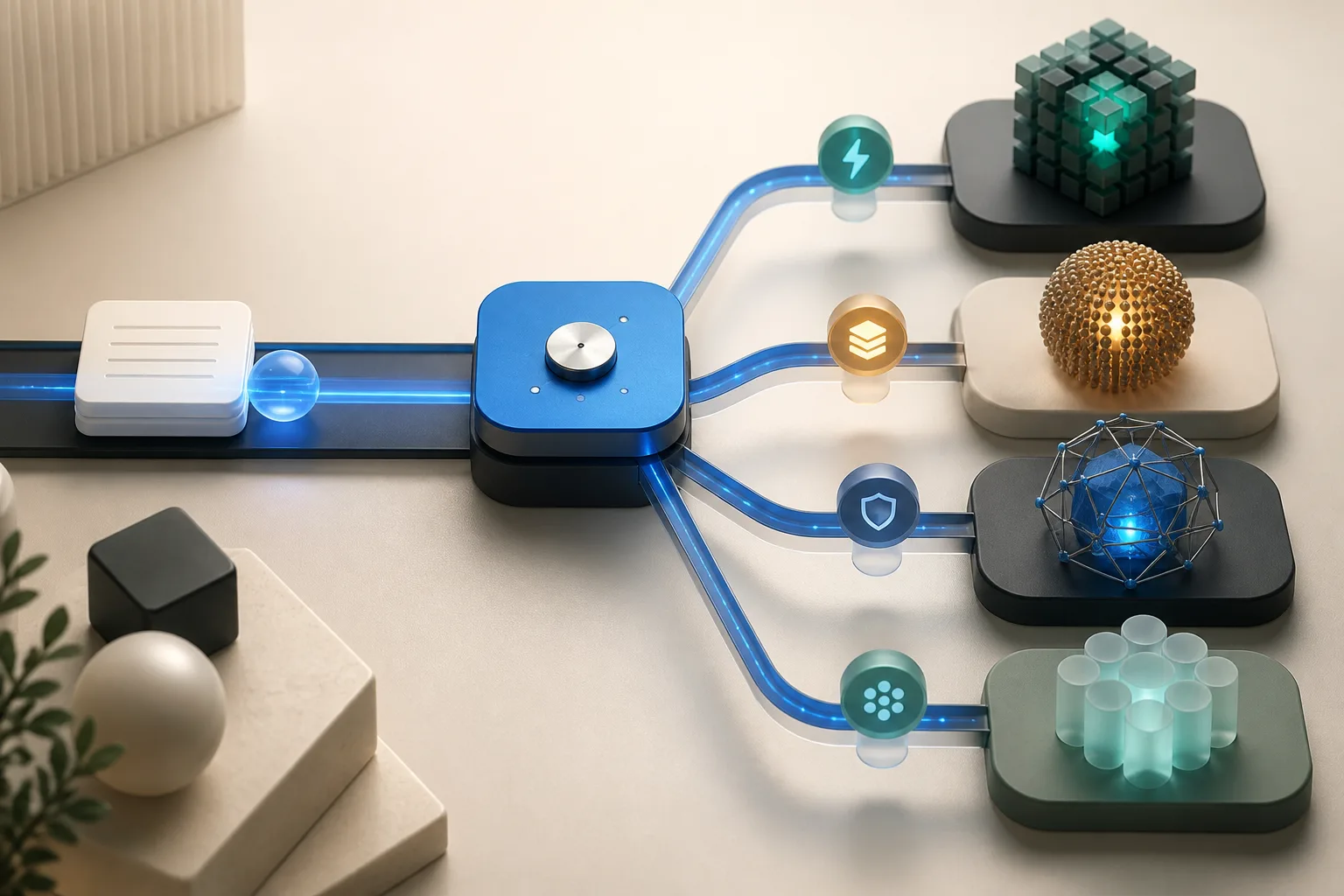
An LLM router sits between an application and a set of language models. For each request, it chooses a model or provider, sends the request, and returns the result.
There is no single best model for every request. The better choice depends on the job, the quality bar, the budget, the response time, and which providers are available.
A support FAQ may go to a fast, inexpensive model. A difficult coding request may go to a stronger reasoning model. A request with strict data handling requirements may only be eligible for an approved provider or region. If the preferred endpoint is unavailable, the router may try a fallback.
A simple router can follow fixed rules. A more advanced one can look at the prompt, provider health, evaluation scores, or a learned routing model. Many production systems use a mix of these signals.
Here is how those signals turn into a routing decision.
Architecture
How LLM routing works
Most LLM routers follow the same basic path: understand the request, narrow the options, choose a route, and recover if that route fails.
- 1. Read the request. The router can use the prompt plus context such as task type, language, user tier, region, tool needs, or latency target.
- 2. Remove poor fits. It rules out models that break policy, lack a required capability, or are currently unhealthy.
- 3. Compare the remaining routes. It can weigh expected quality, price, speed, rate limits, and recent errors.
- 4. Send the request. The router calls the chosen model and records the decision.
- 5. Retry or fall back. It may retry the same endpoint or switch to another model when an error, timeout, or quality check triggers a fallback.
- 6. Improve over time. Logs and evaluations help teams update the routing rules and model rankings.
The steps stay much the same. What changes is the strategy used to choose among the available models.
Routing policy
Six common LLM routing strategies
These strategies can be combined. A practical router often applies a few firm rules first, then optimizes among the models that remain.
- Static routing: map a known feature, customer tier, or task type to a fixed model. It is predictable, fast, and easy to debug.
- Rule-based routing: select a route using metadata, keywords, language, context length, modality, or tool requirements.
- Cost-aware routing: choose the least expensive option that still meets the required quality and capabilities.
- Latency-aware routing: favor endpoints that are currently responding faster or handling more traffic.
- Semantic or classifier routing: infer intent or difficulty from the request, then send it to a specialist or stronger model.
- Fallback and cascade routing: try models in sequence. A fallback reacts to failure. A cascade moves to a stronger model when the first result is not good enough.
The best strategy is the one that improves results for the requests your product actually receives.
Business value
What an LLM router can improve
- Cost per successful request: reserve expensive models for work that benefits from them.
- Reliability: move traffic away from rate-limited, degraded, or unavailable endpoints.
- Latency: use faster routes for interactive requests and higher-throughput routes for batch work.
- Quality: match specialist models or stronger reasoning models to the tasks where they perform best.
- Provider flexibility: when the router exposes a stable interface, teams can change providers or add models without rewriting every application integration.
- Experimentation: compare routes with the same request distribution and promote a new default using measured outcomes.
These gains are not automatic. A classifier can add delay, and a long fallback chain can add cost. Measure cost and latency per successful result, not just per model call.
That is why a small, measurable rollout is usually the safest place to start.
Implementation
A practical way to implement LLM routing
Start with a simple rule you can test. Add smarter routing only when it clearly beats a stable baseline.
- Define task classes and hard constraints before choosing models. Include required modalities, tool support, context length, privacy, region, and maximum cost.
- Build an evaluation set from representative requests. Score success and quality with human review or an evaluator you trust.
- Establish a static baseline. Record success rate, cost per successful task, p50 and p95 latency, error rate, and retry volume.
- Add one routing signal at a time. Begin with clear metadata or a simple quality tier before trying semantic or learned routing.
- Set limits for retries and fallbacks so one request cannot quietly multiply cost or wait time.
- Log each decision, including the options considered, the route chosen, any fallback, the final result, latency, and cost.
- Roll out gradually. Compare the router with the baseline for each task type, and keep the change only when it shows a clear improvement.
Once routing is live, the work shifts from setup to measurement. Models, prices, traffic, and provider health all change over time.
Operations
Metrics for evaluating LLM routing performance
- Task success rate by route and task class.
- Cost per successful task, not only cost per token or request.
- Time to first token, time to final output, and p95 or p99 tail latency.
- Fallback, retry, timeout, and rate-limit frequency.
- Quality score and regression rate against a fixed evaluation set.
- Route distribution drift after model, price, traffic, or policy changes.
- User corrections, repeated prompts, and abandonment, which can indicate quality issues that automated metrics miss.
Read these metrics together. A cheap route is not cheap if users have to retry it, and a good average can hide slow outliers.
The next question is what kind of routing layer should own these decisions.
Comparison
LLM router vs AI gateway: where does an agent router fit?
An LLM router mainly chooses where a model request should run. An AI gateway adds shared controls around model traffic, such as authentication, rate limits, budgets, caching, logging, guardrails, and audit records. Some gateways also include routing.
The names overlap, so do not choose by label alone. Look at what the product controls and what happens after a request is sent.
An agent or harness router handles a larger unit of work: a complete, multi-step task. That can include a session, tools, a sandbox, working files, progress updates, and finished artifacts.
| Capability | LLM Router | AI Gateway | HarnessRouter |
|---|---|---|---|
| Model and provider selection | Core capability | Varies | Core capability |
| Multi-model support | Core capability | Core capability | Core capability |
| Fallback and failover | Core capability | Varies | Core capability |
| Authentication | Varies | Core capability | Core capability |
| Authorization and workspace access | Varies | Core capability | Core capability |
| Rate limiting and concurrency control | Varies | Core capability | Core capability |
| Usage monitoring and cost tracking | Varies | Core capability | Core capability |
| Audit logging and governance controls | Not this layer's primary job | Core capability | Core capability |
| Response and context caching | Varies | Varies | Varies |
| Task, run, and session lifecycle | Not this layer's primary job | Not this layer's primary job | Core capability |
| Tool, skill, and sandbox execution | Not this layer's primary job | Not this layer's primary job | Core capability |
| Working files and structured artifacts | Not this layer's primary job | Not this layer's primary job | Core capability |
| Continue and revise completed work | Not this layer's primary job | Not this layer's primary job | Core capability |
Core capability Core capabilityVaries Varies by implementationNot this layer's primary job Not the layer's primary job
In this table, a check means the capability is available through that product path. For example, HarnessRouter can use caching provided by the selected harness or model provider.
These layers can work together. The right choice depends on whether you need to route a model call, control model traffic, or run a complete agent task.
Decision guide
Which routing layer does your product need?
Start with the smallest layer that solves the problem in front of you.
- Use a direct model integration for one stable workload with modest traffic and few shared controls.
- Consider an LLM router when models or providers have measurable differences in quality, cost, latency, capability, or availability for your request mix.
- Consider an AI gateway when model traffic needs shared authentication, rate limits, budgets, logging, safety controls, or governance across teams and applications.
- Consider an agent or harness routing layer when the product runs multi-step work with tools, sessions, files, sandboxes, progress, and artifacts across more than one agent harness.
A product can use all three. The gateway controls traffic, the LLM router chooses a model, and the harness layer runs the full task.
HarnessRouter is built for that final layer.
HarnessRouter
One API for complete agent execution
HarnessRouter lets a product run multiple agent harnesses through one consistent backend API.
A model call usually returns content. An agent harness can plan, use tools, edit files, keep a session, stream progress, and return finished work.
That difference matters when a user asks your product to modify a codebase, create a presentation, research a market, or revise earlier work. The backend must manage the work itself, not only the model call.
HarnessRouter connects products to harnesses such as Codex, Claude Code, and Hermes while keeping tasks, runs, sessions, streams, files, artifacts, and renderers consistent. An AI gateway can still manage the model traffic underneath.
- Connect multiple agent harnesses without building a separate integration for each one.
- Run concurrent work in isolated sandboxes without operating the execution infrastructure yourself.
- Compare harness and model combinations by success, quality, cost, and latency.
The result is a useful reminder that the harness and model should be measured together, even when both combinations complete the task successfully.
Use HarnessRouter when your product needs to run, compare, and route complete agent work through one API.
FAQ
Frequently asked questions
- Is an LLM router the same as an AI gateway?
- No. An LLM router chooses a model or provider for a request. An AI gateway usually adds shared controls such as authentication, rate limits, budgets, caching, logging, and guardrails. Many products include both.
- Does an LLM router always reduce AI costs?
- Not always. A cheaper route saves money only if it still produces a good result. Classifiers, retries, and fallbacks can add cost, so measure cost per successful task.
- Can an LLM router route AI agents?
- It can route the model calls inside an agent. The wider task, including sessions, tools, files, sandboxes, progress, and artifacts, is usually managed by an agent runtime or harness routing layer.
- What is the best LLM routing strategy?
- Start with static or rule-based routing and a clear baseline. Add cost, latency, semantic, or learned routing only when tests show that it improves results.