

The direct answer
Running multiple coding agents is two different problems
Almost every guide to running multiple coding agents answers one question: how do I, one developer, keep several agents busy on my machine? That answer is worktrees and terminal tabs, and it works. But there is a second question hiding behind the first, and it has a different answer.
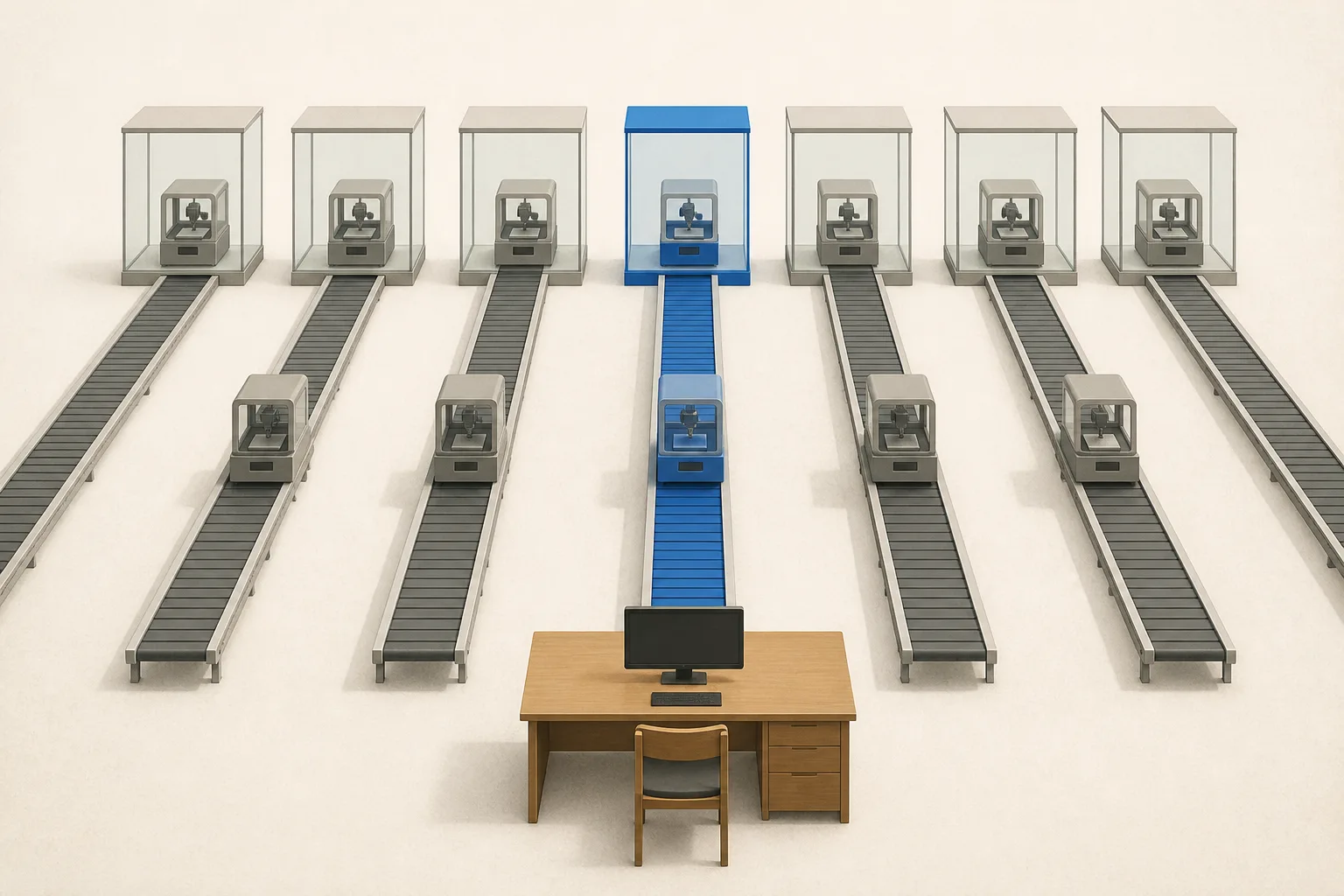
The first problem is local parallelism: you want Claude Code fixing a bug while Codex drafts a feature, on your laptop, under your supervision. The second problem is production parallelism: your product or your team needs many agent runs happening at once, server-side, for multiple users or task queues, with nobody babysitting a terminal.
This guide answers both, in that order, including the honest boundary where the first answer stops working.
Local parallelism
The local playbook: worktrees, tabs, and one human scheduler
For running several agents on your own machine, the community has converged on a solid pattern:
- Give each agent its own git worktree, so parallel agents never fight over the same working tree. One branch per worktree, one agent per branch.
- Run each agent in its own terminal tab, pane, or multiplexer session, so you can watch and steer each one independently.
- Scope each agent to a task that will not collide with the others at merge time: different subsystems, different files, different layers.
- Merge deliberately. You are the integration point; review each branch as if a fast teammate wrote it.
This works, and for solo exploration it is the right tool. Its ceiling is structural rather than fixable: every agent shares your machine and your attention, and usually your credentials. You are the scheduler, the sandbox, and the retry loop.
The boundary
Where the local answer stops working
The local pattern breaks the moment the agents are not working for you personally, at your desk, one session at a time. The symptoms are predictable:
- Isolation: parallel runs on one machine share state. Real concurrency needs each run in its own sandbox, created on demand for the task.
- Multi-tenancy: the moment agent runs happen on behalf of your users, credentials, file access, and outputs must be separated per tenant, which a laptop cannot give you.
- Lifecycle: production runs need sessions that survive disconnects, streaming your UI can subscribe to, and retries that do not depend on a human noticing a stalled terminal.
- Results: a branch in a worktree is a fine deliverable for you. A product needs structured results: files, diffs, and renderable artifacts your interface can show.
- Scale: two agents fit in two tabs. Two hundred concurrent runs are an infrastructure problem, not a terminal-management problem.
Production parallelism
The production answer: server-side agents behind one API
The production version of running multiple coding agents moves every one of those jobs off your machine. Each task runs a complete agent harness, such as Codex, Claude Code, Hermes, Pi, or DeepSeek Harness, inside its own on-demand sandbox, with sessions, streaming, file handling, and artifacts managed by the platform.
This is what HarnessRouter provides: your app sends one task; HarnessRouter runs the best harness in a sandbox and returns renderable artifacts to your UI. Concurrency stops being something you orchestrate and becomes something you request: send several tasks and several isolated runs happen, with the platform rather than your terminal acting as the scheduler.
The interface layer matters more than it first appears. Each harness ships its own invocation surface, so wiring several of them into a backend by hand means maintaining several integrations that drift independently. Running them behind one contract, the open Unified Harness Protocol, keeps every harness reachable through the same API, which is also what makes the patterns below practical.
Three patterns
Three production patterns for multiple agents
Once agents run server-side behind one interface, running multiple of them stops meaning more terminals and starts meaning better routing:
- Fan out one task to several harnesses. Run the same task across harness and model configurations, gate on success, and compare cost and latency. In HarnessRouter's published same-task benchmark, eight configurations run five times each on identical input spread by roughly 475 times in cost, and results vary by task, which is exactly why guessing is expensive.
- Route task classes to different winners. Long refactors to one harness, quick edits to another, document work to a third. Each class goes to the configuration that measurably earns it.
- Run queues concurrently. Background jobs, per-user requests, and scheduled work each become tasks in flight, isolated per run, without a shared machine to contend for.
The takeaway
Parallelism is a routing problem, not a terminal problem
Worktrees and tabs answer the question you have this afternoon. Sessions, sandboxes, and one interface across harnesses answer the question your product will have: many agents, many tasks, many users, and a measurable winner per class of work.
Start local, by all means. But when the agents start working for your users instead of for you, move the parallelism server-side and let the harnesses compete for the work.
FAQ
Running multiple coding agents FAQ
Can I run Claude Code and Codex at the same time?
Yes. Locally, run each in its own git worktree and terminal so they never share a working tree. In production, run both behind one API: HarnessRouter executes each in its own sandbox, so the same task can even go to both for a side-by-side comparison.
How do I run multiple coding agents on one repository without conflicts?
Locally, git worktrees give each agent an isolated checkout of a different branch. Server-side, each task runs against its own copy of the workspace in an isolated sandbox, and results come back as files, diffs, and artifacts you merge deliberately, so parallel runs stay out of each other's state.
Do multiple coding agents share context with each other?
Not by default, and usually they should not. Each run carries its own session and workspace. When you want shared knowledge, pass it explicitly through the task input or repository content, so every agent's context stays inspectable and reproducible.
When should I move from local parallel agents to a platform?
When any of these appear: runs on behalf of users rather than yourself, more concurrent work than you can supervise, isolation or credential separation requirements, or a product interface that needs streaming status and renderable results instead of a branch to review.
Run many agents without running any terminals
Send tasks to twenty agent harnesses through one API. Each run is isolated, streamed, and returned as artifacts your product can ship.
Start running agents in parallel