

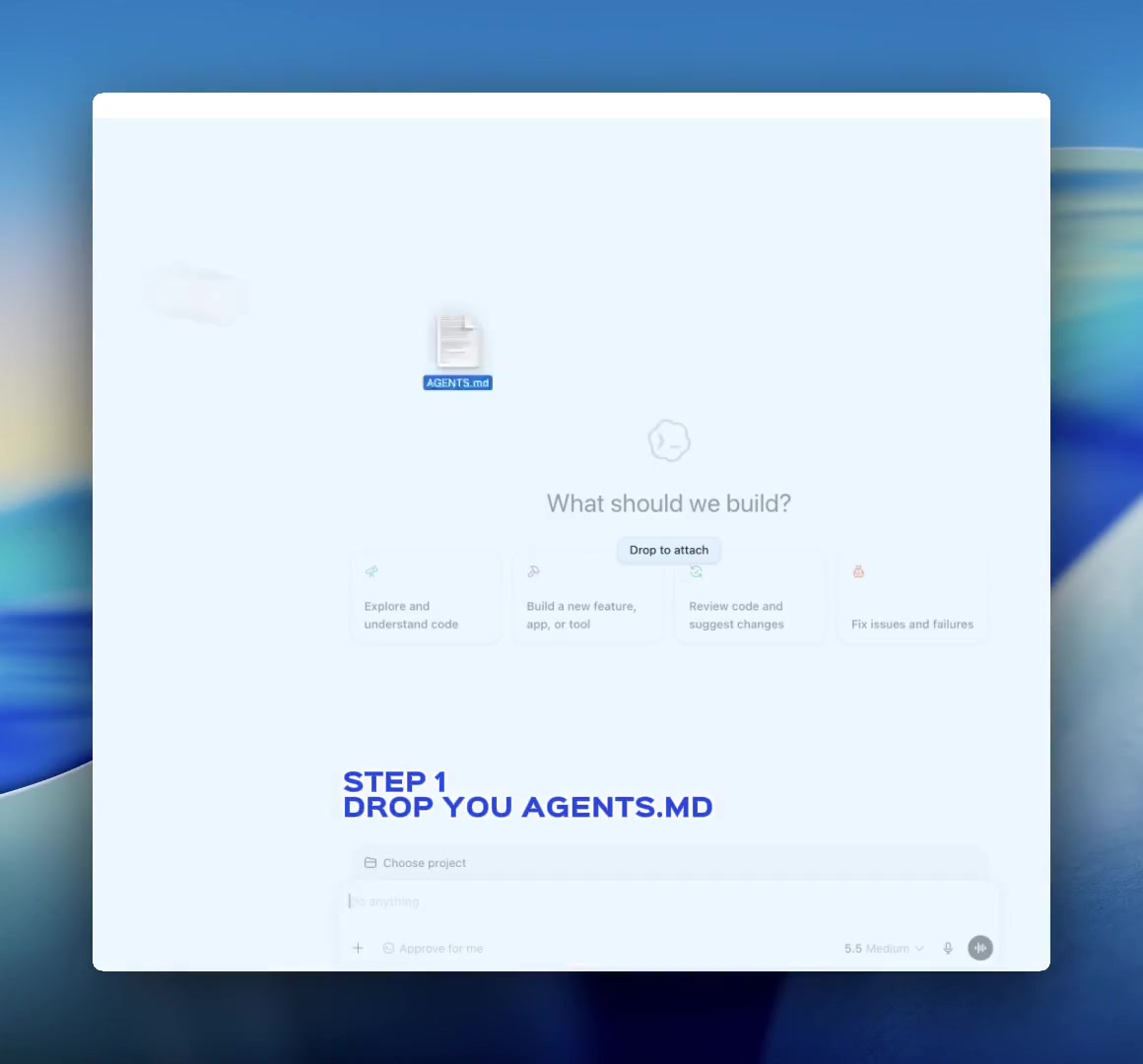
Three steps
From empty project to runnable agent app.
- 01
Paste AGENTS.md into your coding agent
Copy the official instructions and paste them into Codex, Claude Code, or another coding agent.
View official sourceLoading canonical AGENTS.md…
- 02
Ask it to build
Describe the product or feature you want. The coding agent will build the product interface and connect your backend to server-side agents through HarnessRouter.
Build a , + your product requirementsFinish copy AGENTS.md to unlock - 03
Add your API key securely
When the coding agent opens a secure secret modal, create a Workspace API key and paste it into that modal. The agent stores it as HR_API_KEY and continues the build.
Create API KeyPaste the key only into the secure modal opened by your coding agent. Never paste it into normal chat, source files, AGENTS.md, browser code, logs, or screenshots.
Result
You just built a scalable AI app that belongs to you in 7-10 minutes.
You can start selling it to your users.
Open Source starter kit
Fork the Open Source starter.
Start with the same Cursor-style coding app you just watched, plus a second reference demo. Run it, adapt it, and use the community if you want help turning it into your own AI product.
More examples
More agent-powered features you can build.
Ship, scale, and optimize each experience through the same HarnessRouter API.
 One API
- CodexCode, apps and images
- Claude CodeCode, files and documents
- HermesAutonomous, any frontier model
- PiMinimal, steerable coding agent


Every harness ready, one API